The Most Underrated Hardware on Your MacBook Is the Microphone
You spend every day producing text on it. But the way you type hasn't changed in twenty years.
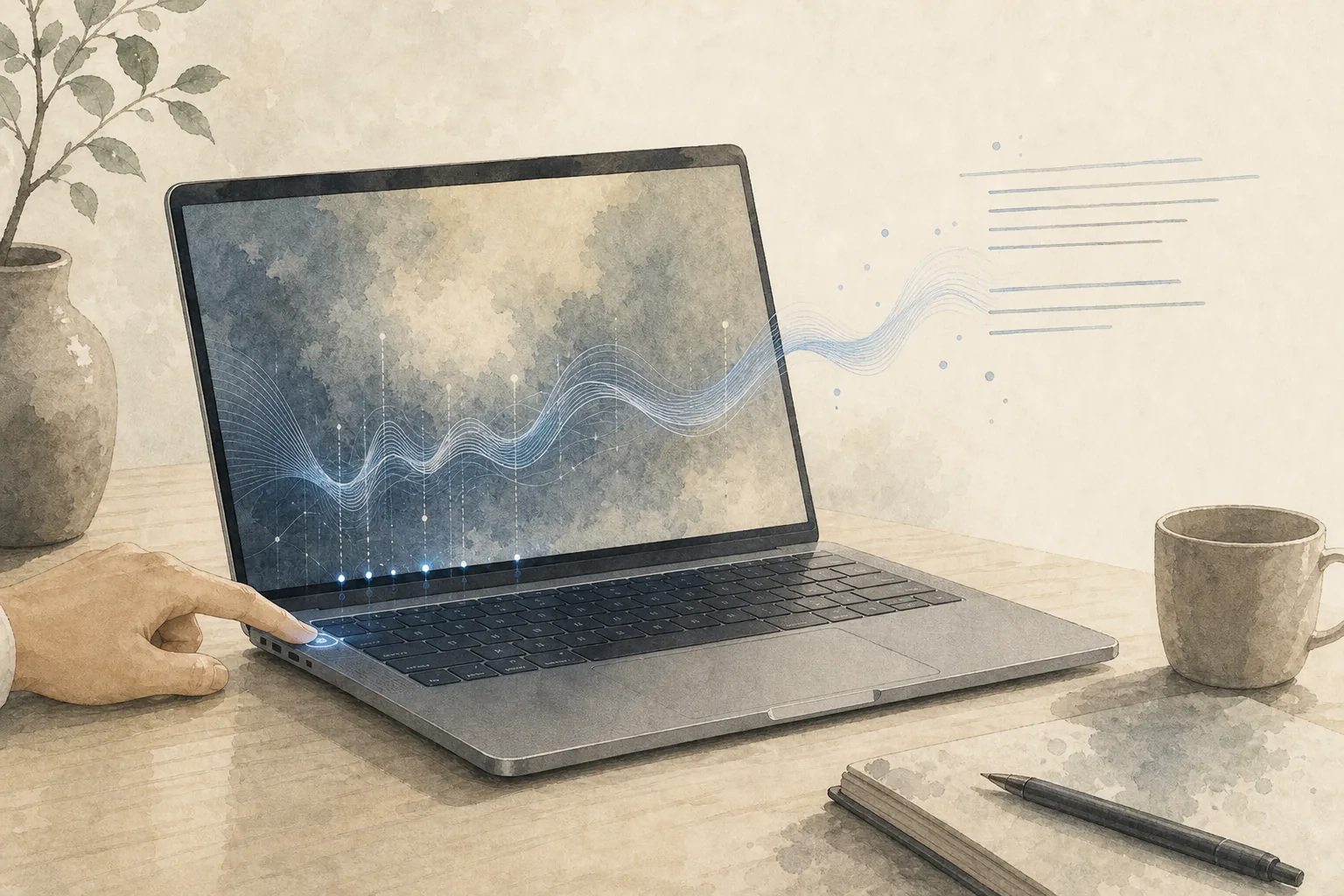
You spent over a thousand dollars on a MacBook. You researched the chip, the RAM, the display, the battery life. Every day you use it to write emails, send messages, draft documents, prompt AI.
But the way you produce text every day hasn't changed much in twenty years: head down, typing.
Meanwhile, your MacBook has a three-microphone array with directional beamforming that can distinguish your voice from background noise. On the MacBook Pro specs page, Apple's own words are "studio-quality." The Air has the same three-mic array with beamforming. This isn't a component that just gets you through video calls — it was designed to capture human voice with precision.
But most of the time, what is it doing?
Meetings. Video calls. The occasional voice message.
The rest of the time, it sits idle.
You've probably tried, then given up
Most people haven't avoided voice input out of ignorance — they've tried it and gone back to the keyboard.
The reason is practical. Apple's built-in dictation works fine for short phrases, but once you get into longer sentences, proper nouns, mixed languages, or extended chains of thought, the output needs heavy editing — fixing errors, adding punctuation, re-paragraphing, adjusting tone. You save time on typing, then spend it cleaning up the transcript.
It's not that you're lazy, and it's not that the microphone is bad. The software layer hasn't kept up.
Hardware captures the sound. Software determines whether it becomes usable text. That layer has long been inadequate — so even excellent microphones have been reduced to meeting tools.
Typing compresses your thinking
The difference between typing and speaking goes far beyond speed.
When you explain something to a colleague out loud, you tend to be more complete. You naturally fill in background, reasons, edge cases, what you'd like them to do. But once you sit at the keyboard, you instinctively compress: forget it, I'll just write two sentences.
Writing researcher Kellogg explained this as competition for working memory: when typing, expression, word choice, keyboard operation, and screen monitoring all happen at once. Several tasks fight for your attention, and content gets squeezed out.
Speaking is lighter. You don't have to think about how to hit each key; your attention can stay on the content itself.
Most people have probably experienced this: you want to explain something complicated to a colleague, you type three lines, delete two, and end up sending "Let's just hop on a call." It's not that you didn't want to write it clearly — typing itself keeps compressing what you express.
In the AI era this problem is sharper. When writing prompts for AI, the difference between a 50-word input and a 500-word input is enormous. Background, constraints, acceptance criteria, user scenarios — that context is what AI actually needs. But who wants to type 500 words on a keyboard?
What if you could press one key, speak for two minutes, and have that context turn into text automatically?
One key and a microphone array
In the bottom-left corner of your MacBook keyboard sits a key most people barely notice: fn (on newer models also labeled with 🌐). Most people only touch it when switching function keys, if they touch it at all.
But think of it as a voice input trigger, and the position is actually quite convenient — your left pinky rests right there, no hand movement needed, no interruption to your workflow.
Apple has actually prepared the infrastructure for voice: a microphone array that can separate your voice from noise, a physical key within easy reach, and at the macOS level, features like Voice Isolation for improving voice clarity during calls. The hardware and the entry point are already there.
What's been missing is the final layer: turning what you say into text you can use directly.
The software layer
Ordinary voice input tends to produce rough text — filler words, repetitions, no punctuation, no paragraph breaks. You still have to clean it up afterward, which brings you right back to keyboard work.
Flow Keyboard does something simple: it turns what you say into text you can use immediately. You can pause, repeat yourself, change direction mid-thought — the output still comes out with filler words removed, punctuation and paragraphs in place, logic smoothed out. You can send it to a colleague, paste it into an AI chat, or drop it into a document as-is.
The Mac workflow is already deeply text-based — email, documents, Slack, Notion, code editors, AI tools. Flow Keyboard works in any text field: wherever your cursor is, that's where you can speak.
Finish a meeting and immediately speak for five minutes while the details are fresh — the hardest part of writing up meeting notes is starting, and speaking bypasses that barrier. Before leaving work, speak for three minutes about what you did this week and what's coming next — a first draft of your weekly report, done. The scenarios from earlier — explaining something to a colleague, giving AI enough context — same action: press fn, speak, done.
Put the hardware you already paid for to work
Your MacBook — the one you spent a thousand dollars on — has a great display, a fast chip, a good keyboard.
It also has a microphone array designed for your voice, and a key you can press anytime.
Next time you open a blank document, don't start typing. Press fn, and speak.
Turn your voice into clean, usable text.
Flow Keyboard goes beyond dictation — it removes filler words, adds punctuation, organizes paragraphs, and smooths out your logic. Speak naturally, get text you can use.
References
- Apple. MacBook Pro Technical Specifications: "Studio-quality three-mic array with high signal-to-noise ratio and directional beamforming."
- Apple. MacBook Air Technical Specifications: "Three-mic array with directional beamforming."
- Kellogg, R. T. (1996). A model of working memory in writing. In C. M. Levy & S. Ransdell (Eds.), *The Science of Writing* (pp. 57–71). Lawrence Erlbaum Associates.