Choose your platform
Download Flow Keyboard
Open FlowKeyboard.dmg from your Downloads folder
Drag Flow Keyboard into your Applications folder
Open Flow Keyboard from your Applications folder
macOS installer: Download for macOS
Installation & setup
macOS: macOS 14 Sonoma or later. Supports both Apple Silicon and Intel Macs.
This means your macOS version is too old. Flow Keyboard requires macOS 14 Sonoma or later.
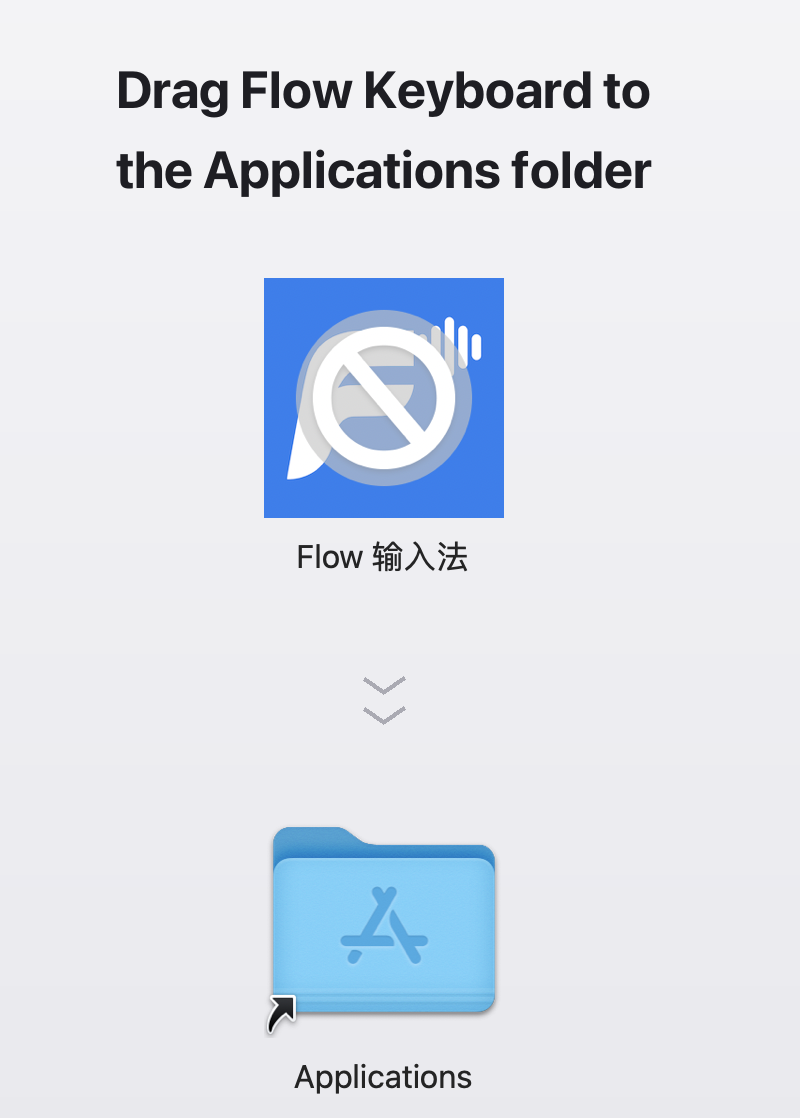 Unsupported (macOS too old)
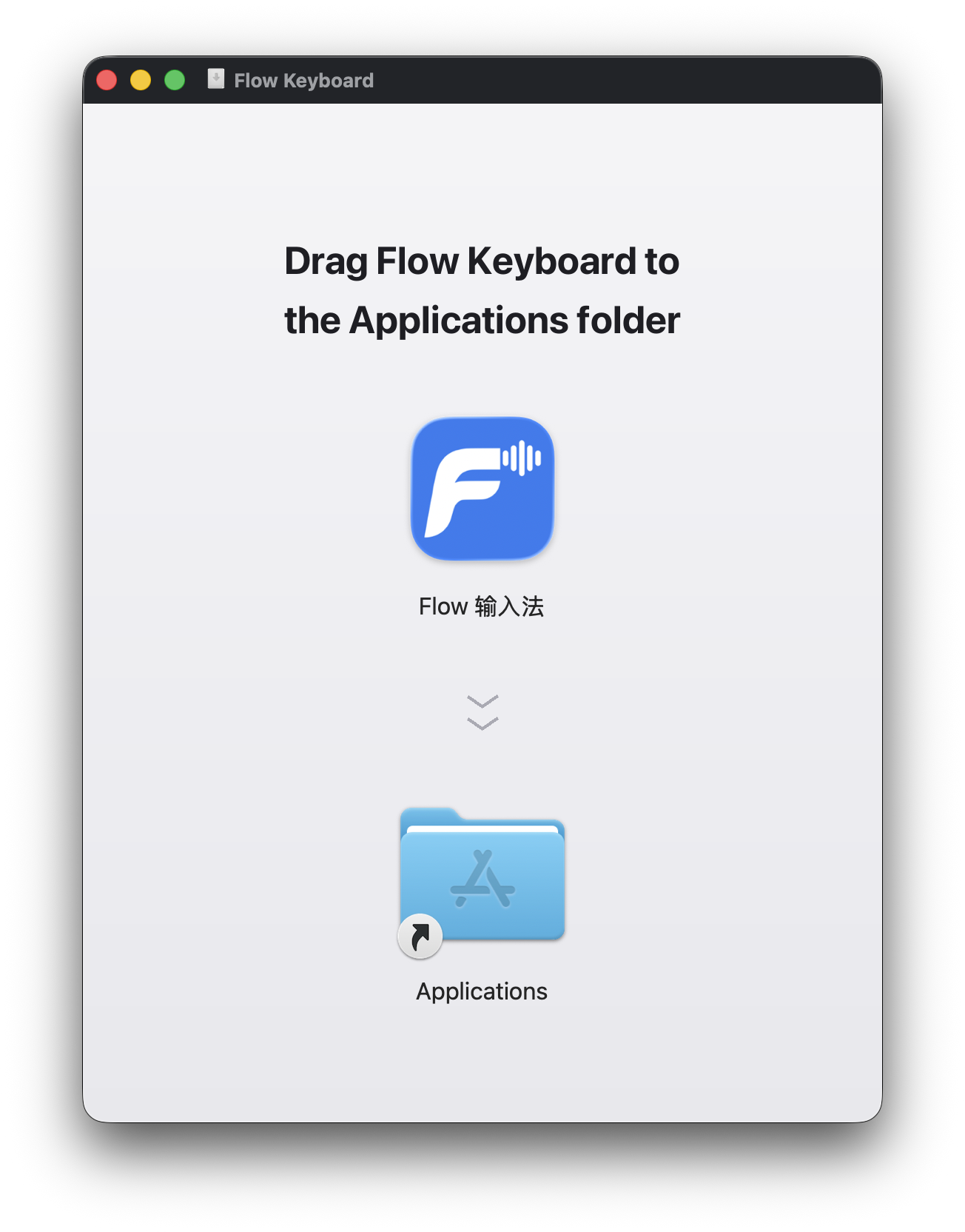 Normal installation
Go to System Settings → General → Software Update to check for updates. Note that some older Macs (2017 and earlier) cannot upgrade to macOS 14 and are not supported.
Flow Keyboard is officially notarized by Apple, so this is not an actual problem with the app. It usually means the macOS security service is in a temporary bad state.
Solution: Restart your Mac, then try opening the app again.
Any Mac that can run macOS 14 Sonoma, including:
MacBook Air (2018+), MacBook Pro (2018+), Mac mini (2018+), iMac (2019+), iMac Pro (2017), Mac Pro (2019+), Mac Studio (2022+).
Open Flow settings and check for updates, then follow the prompts to install the new version.